Boombam Printing

Description

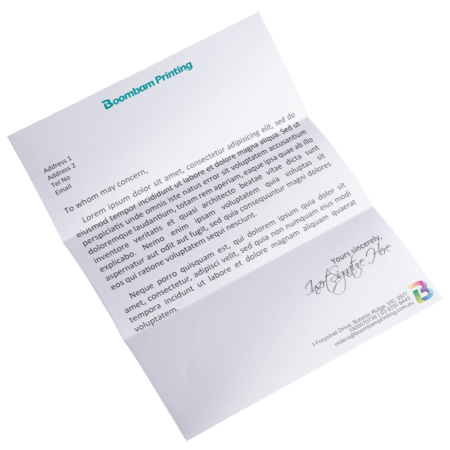
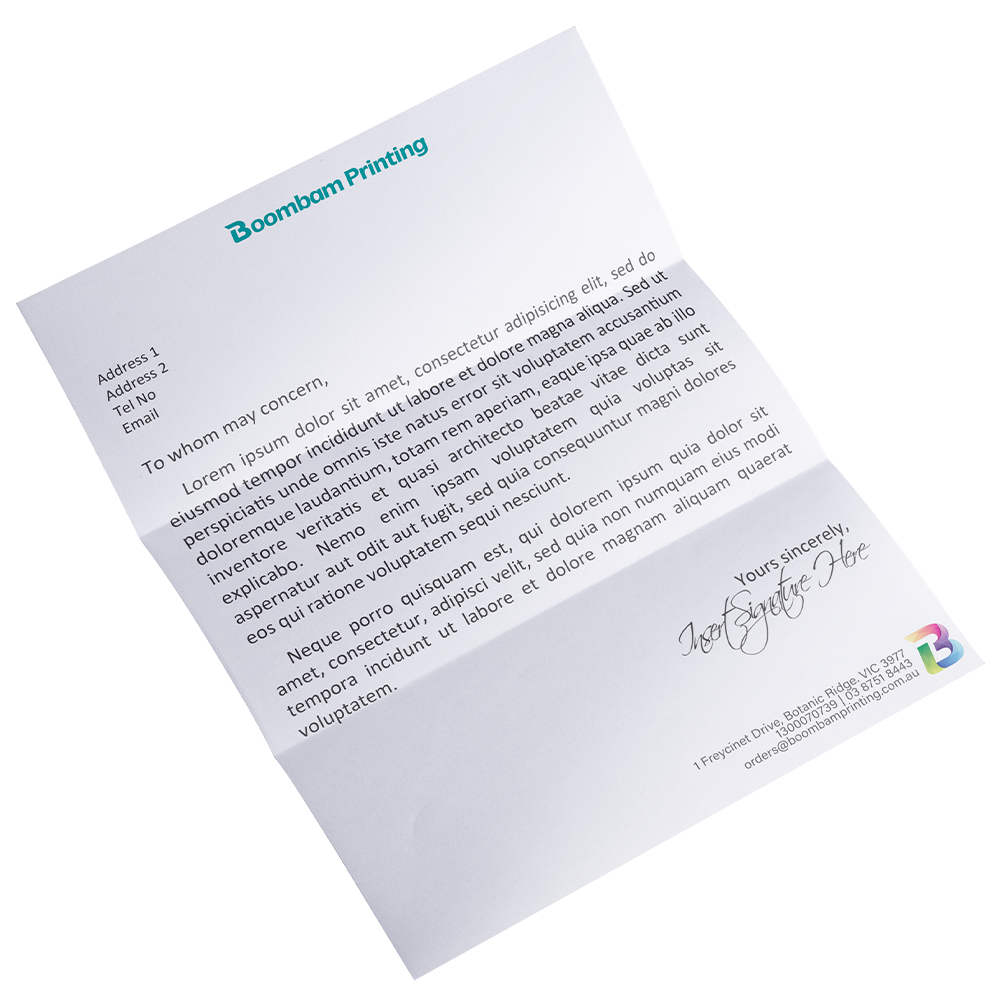
Create a lasting first impression with custom letterhead printing for professional business correspondence. Our premium 120gsm laser bond is designed for smooth performance in office printers while delivering vibrant colours and sharp text.

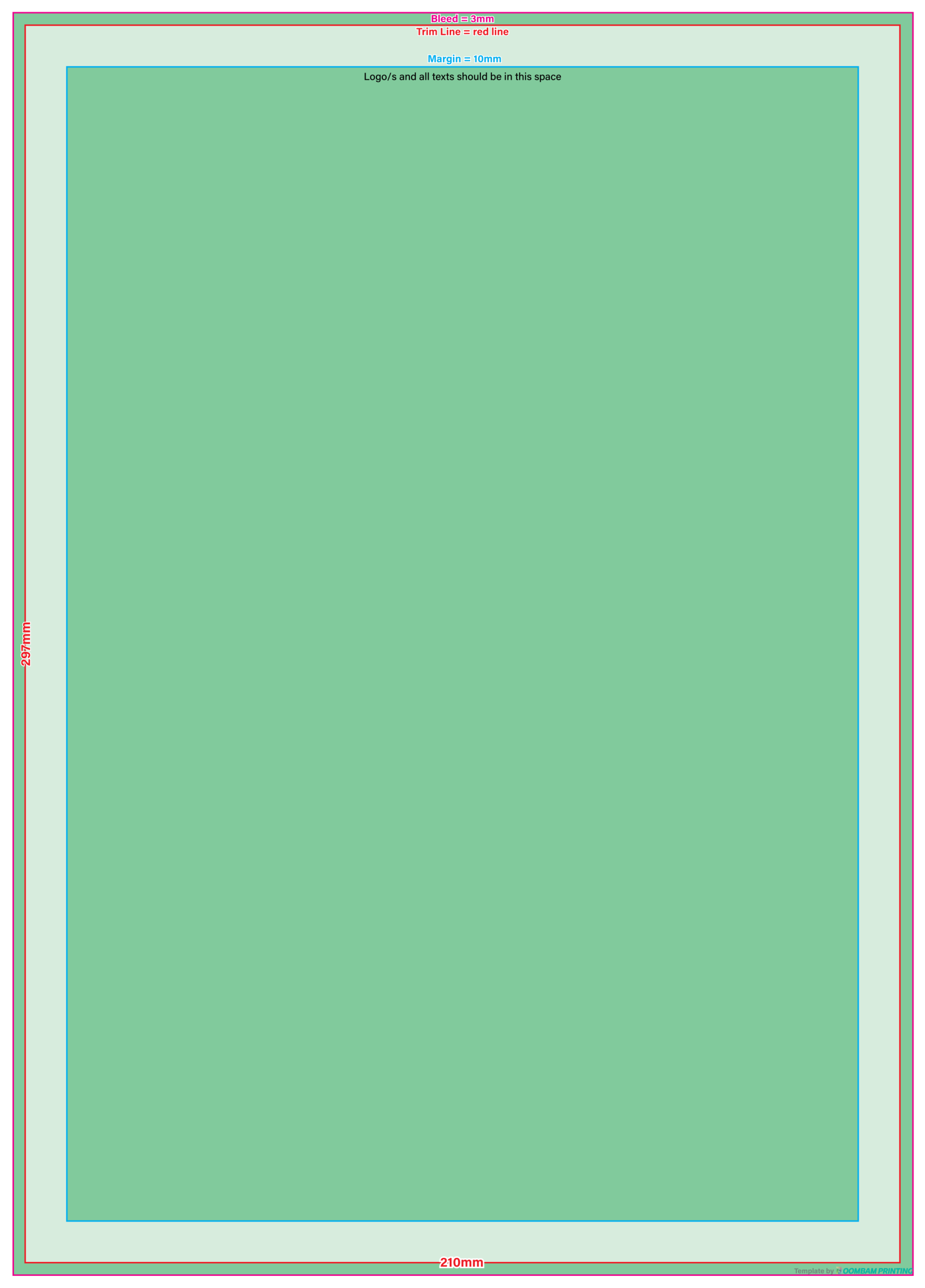
Each A4 (210 × 297 mm) letterhead is produced using a specialised heat-set ink process that helps prevent smudging and keeps every document looking professional. Manufactured through a chemical-free process, our custom company letterheads offer an environmentally responsible solution without compromising print quality.

Additional information

Size

A4

Print Ready Set-up Instructions


Canva

1. Go to File > Settings and select "Show Print Bleed". A dashed line will appear around your design workspace.
2. Click "Share" > "Download". Select "PDF Print" (300dpi).
3. Check "Include crop marks and bleed". (CMYK for Pro).

Adobe InDesign

1. For New files:
1.1. Click "New File", choose a document size, or type Width and Height.
1.2. In "Bleed and Slug", enter the size of the bleed (3mm).
1.3. Click "Create".
2. For Finished designs:
2.1. Open "Properties" tab, or click "Export".
2.2. Save file with preferred name and folder.
2.3. Click "Marks and Bleeds". If bleed is zero, uncheck "Use Document Bleed Settings", and enter 3mm bleed on all sides.
2.4. Click "Export".

Adobe Illustrator

1. For New files:
1.1. Click "New File", choose a document size, or type Width and Height.
1.2. In the "Bleed" part, enter the size of the bleed (3mm).
1.3. Click "Create".
2. For Finished designs:
2.1. In "Bleed" section, enter 3mm for all four sides. Set Color Mode to CMYK and Raster Effects to High (300ppi).
2.2. Ensure all background colors extend to the red bleed guideline outside the Artboard.
2.3. Go to File > Save As > "Adobe PDF". Under "Marks and Bleeds", check "Use Document Bleed Settings" and "Trim Marks".
We Accept: .pdf, .indd, .ai, .eps | 300 DPI
We Don't Accept: Microsoft Word (.doc / .docx), Microsoft Publisher (.pub), JPEG / JPG (.jpg)

Note: If your file is in Microsoft Word or Publisher, export the file to PDF. You can manually add bleed by adjusting the paper size, add 6mm to the length and another 6mm to the width, giving them 3mm bleed on all sides.

(ex: If your page size is an A4, which is 210mm x 297mm, then adjusted size will be 216mm x 303mm)

  • In Microsoft Word, it's Layout > Size > More Paper Sizes.
  • In Microsoft Publisher, it's Page Design > Size > Page Setup.

Then, adjust the margins accordingly. (ex: If the margin is 8mm, add 3mm for all sides)

Letterhead
You're viewing: Letterhead $ 5.00 Inc GST
Add to cart
Select the fields to be shown. Others will be hidden. Drag and drop to rearrange the order.
  • Image
  • SKU
  • Rating
  • Price
  • Stock
  • Availability
  • Add to cart
  • Description
  • Content
  • Weight
  • Dimensions
  • Additional information
Click outside to hide the comparison bar
Compare

Boombam Printing delivers premium custom printing in Melbourne with expert support, fast turnaround, and consistent, high-quality finishes for businesses, events, and marketing materials.

Yes. We provide professional printing solutions for corporate branding, retail promotions, events, and marketing campaigns across Melbourne.

Yes. Our team provides professional design guidance to ensure your artwork is print-ready, aligned correctly, and presented with a polished finish.

Turnaround times depend on product type and quantity, with most standard printing orders completed within 2–3 business days in Melbourne.

Yes. We offer fast turnaround and urgent printing services in Melbourne for business cards, posters, flyers, and marketing materials.

Boombam Printing delivers premium custom printing in Melbourne with expert support, fast turnaround, and consistent, high-quality finishes for businesses, events, and marketing materials.

Yes. We provide professional printing solutions for corporate branding, retail promotions, events, and marketing campaigns across Melbourne.

Yes. Our team provides professional design guidance to ensure your artwork is print-ready, aligned correctly, and presented with a polished finish.

Turnaround times depend on product type and quantity, with most standard printing orders completed within 2–3 business days in Melbourne.

Yes. We offer fast turnaround and urgent printing services in Melbourne for business cards, posters, flyers, and marketing materials.

Shopping cart close